
Mobile exclusive
Snap a receipt. Done.
Point your phone at any expense receipt — vendor, amount, date, and tax are extracted and filed to the right client matter in seconds.
<5s
Per receipt99%
Extraction accuracy0
Manual data entryapp.lawhired.com

How it works
Three steps from setup to running — no IT team required.
1
Snap or upload
Open the Law Hired mobile app and tap the camera icon. Point at any receipt — crumpled, faded, or handwritten — and shoot.
2
AI extracts everything
Vendor name, amount, date, tax, and category are pulled out instantly. The AI suggests which active client matter to file it under.
3
Confirm and file
Tap to confirm the matter assignment. The expense is logged, synced to billing, and the receipt image is stored as an attachment.
See it in action
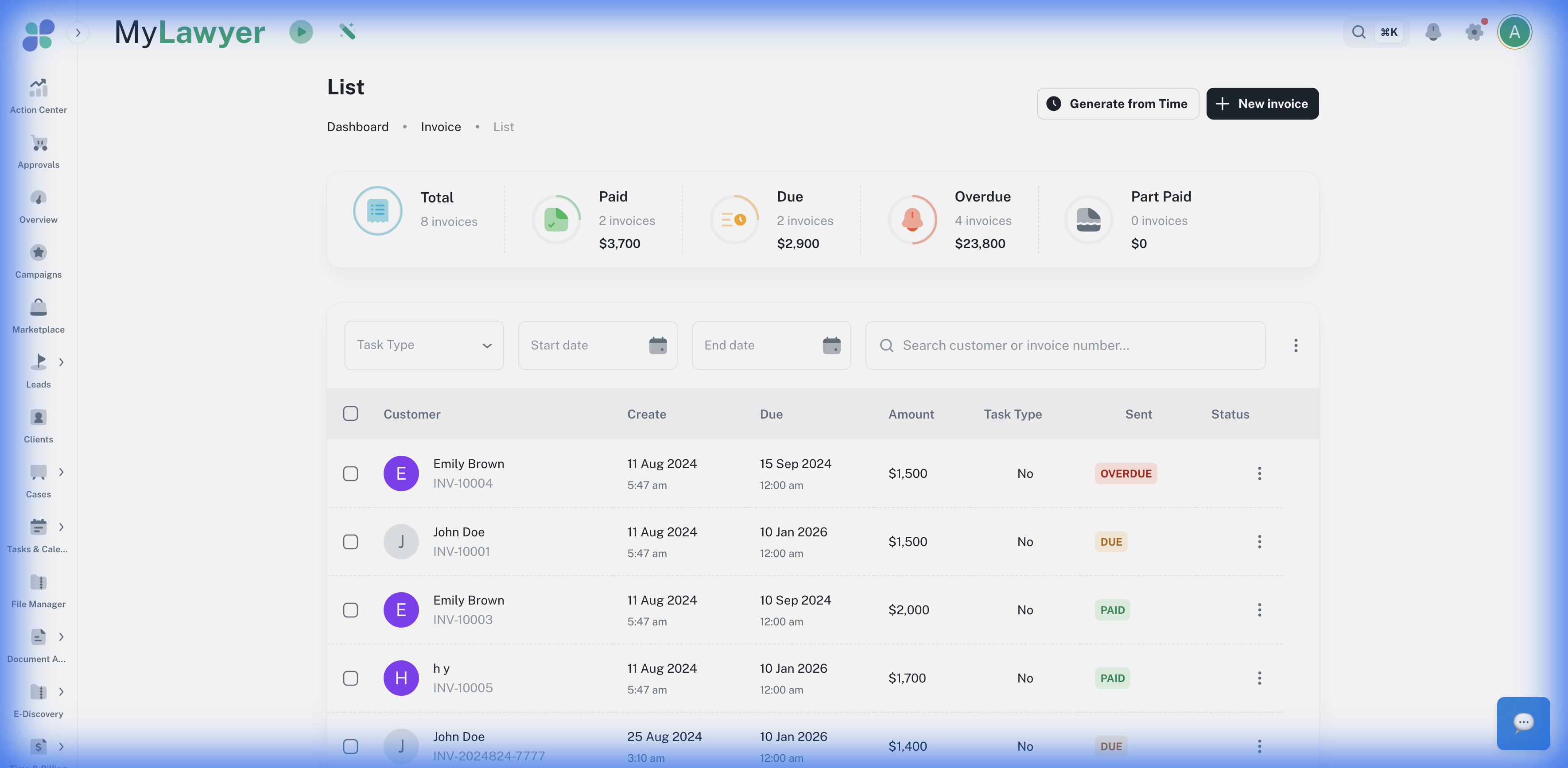
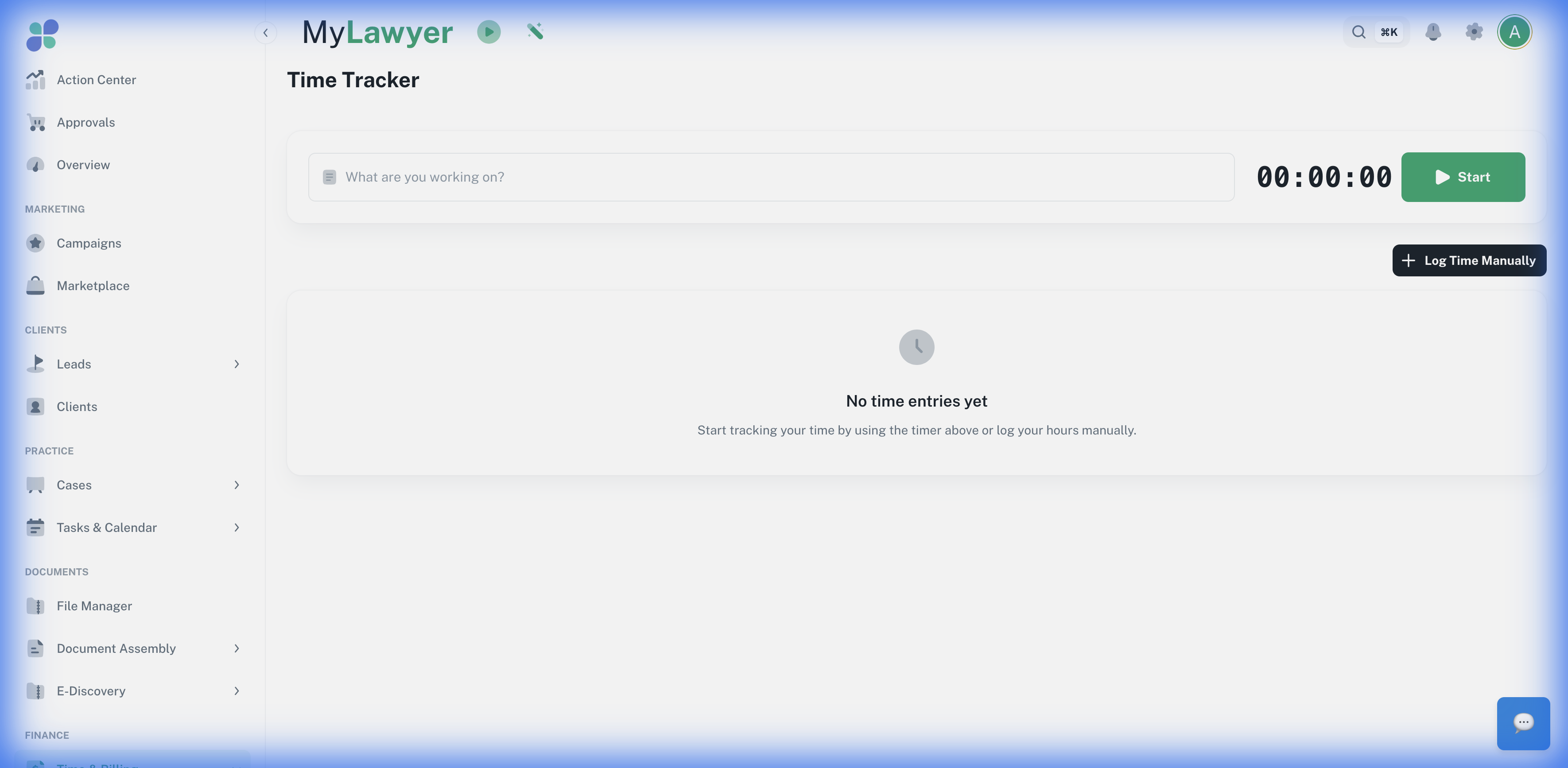
Real screens from the live product — not mockups.
app.lawhired.com
app.lawhired.com
What you get
Works on handwritten and crumpled receipts
Auto-suggests matter based on vendor and recent activity
Syncs immediately to your billing dashboard
Export expense reports as CSV or PDF
Supports multi-currency for international travel